A little How To for our Readers!
circulitr lets you borrow and lend books with readers near you. We’re live in Goa.
Getting started
- Sign up with your email (18+ only).
- Import your Goodreads library, or start fresh. You can import later from your profile, until you create your first shelf.
- Pick your area. Your feed and nearby books come from there. We never track your location.
- Add a photo and a line about yourself, so readers know who they’re swapping with.
- Add circulitr to your home screen so it opens like an app.
- iPhone: Safari → Share → Add to Home Screen
- Android: Chrome → ⋮ → Install app
Finding books
- Discover (compass): what readers near you are lending, reading and reviewing. Log your daily reading here too.
- Nearby (pin): books you can borrow in your area. Tap Readers to browse people.
- From Curators: hand-picked lists to get you started.
Can’t find a book? Add it yourself with a cover photo. Our curators will review it.
Borrowing
- Find a book and send a request with a short note on why you’d like it.
- Once the owner accepts, chat and meet somewhere public, like a café.
- Read, keep an eye on the due date, and return it.
Lending
Add books to your Lending shelf. Requests show up in Activity → Received. Accept, chat, hand it over. Saying no is fine too.
Tip: use your shelf caption to say things like “Up for lending for 4 weeks.”
Activity
- Received: requests for your books
- Sent: requests you’ve made
- Ledger: all your loans, with due dates and status
Lits
Lits are circulitr’s points.
- Join: +20
- Borrow a book: −20
- Return it: +10
- Lend a book: +20
- Rate a book: +1 · Write a review: +2
I’m still working on making Lits more fun.
Reading log
Log your reading once a day to keep your streak going and track your progress. Save lines you loved in the Quotes tab on your profile.
Privacy and safety
- No location tracking, just the area you pick.
- Need a break? Pause your shelf in Settings to hide from the feed and nearby.
- Meet in public and keep chats in the app.
Need help, or something doesn’t feel right? Write to us at [email protected] and we’ll get back to you.
See our Terms of Use and Privacy Policy for the details.
A peek inside circulitr
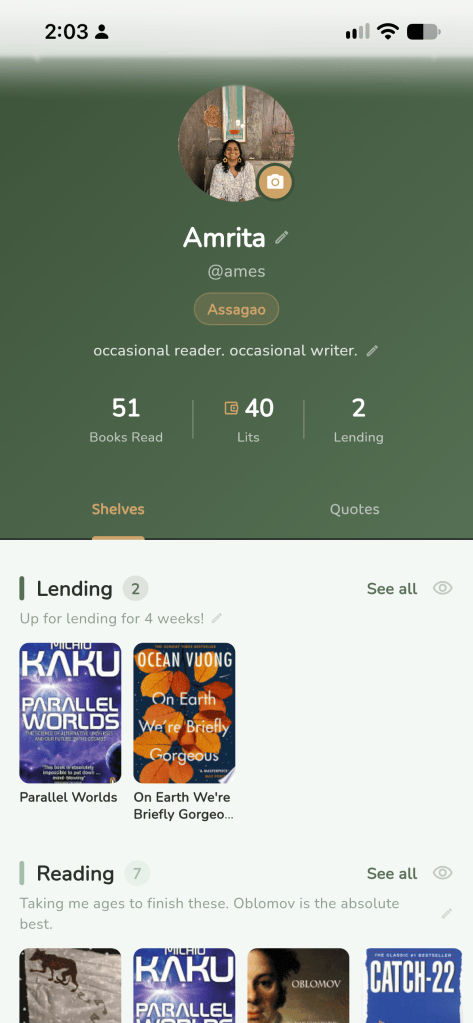
Your profile 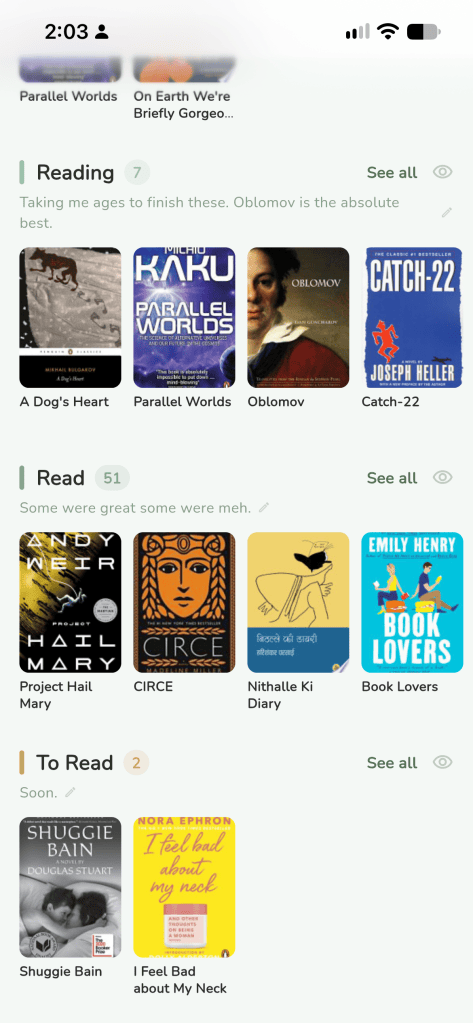
All your shelves. Default & Custom. You can choose visibility. 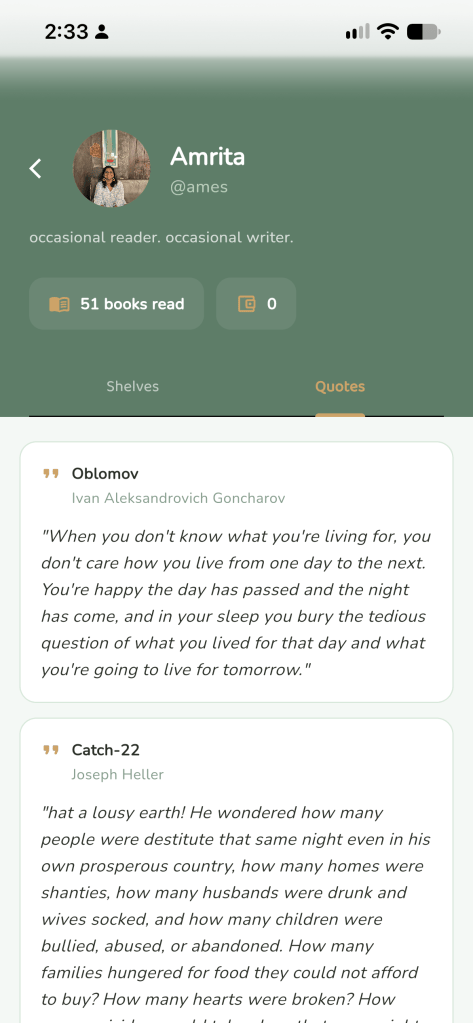
The quotes you share 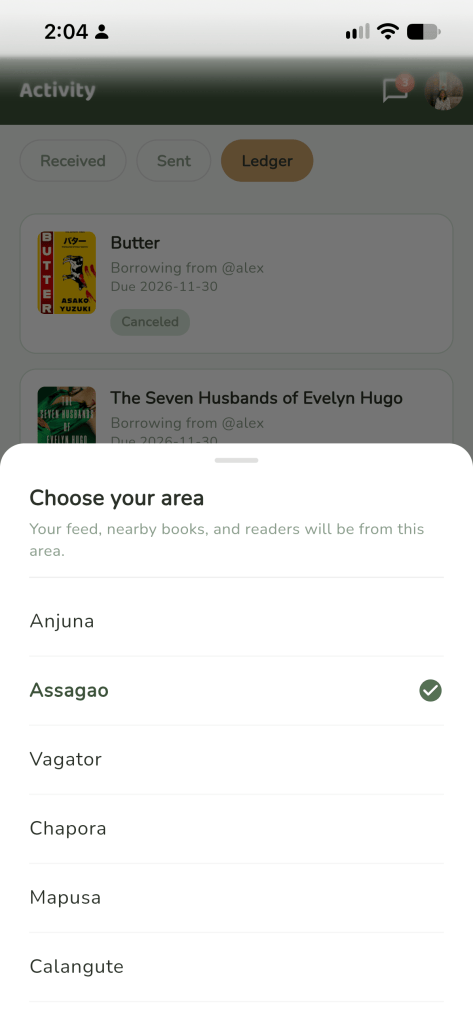
You can choose your area 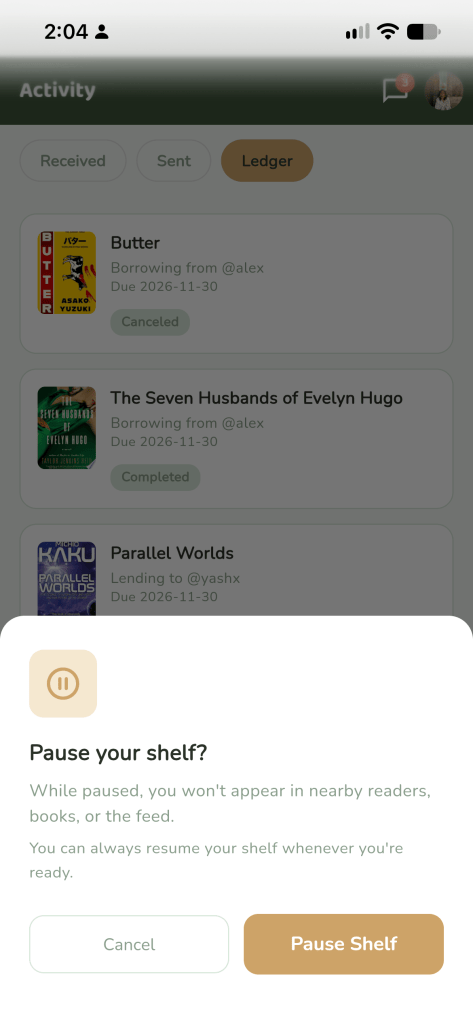
You can pause your shelf. 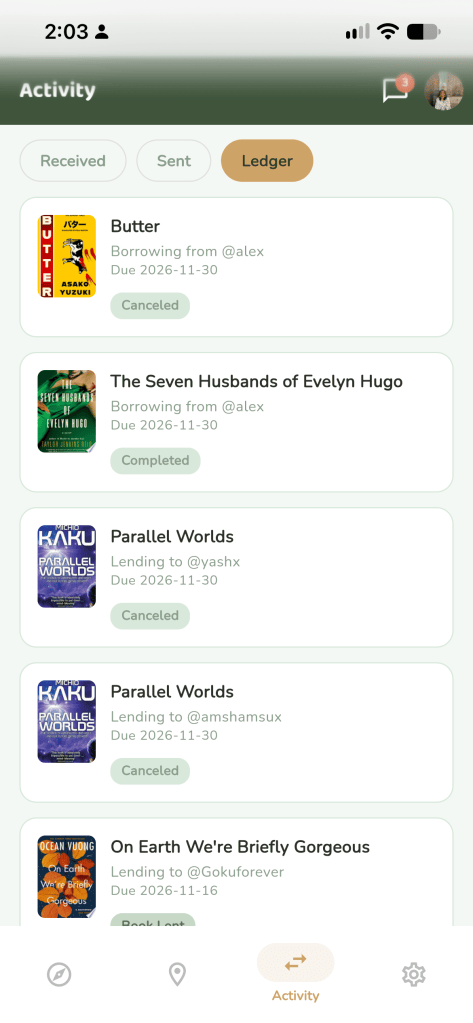
Your transactions after accepting requests. 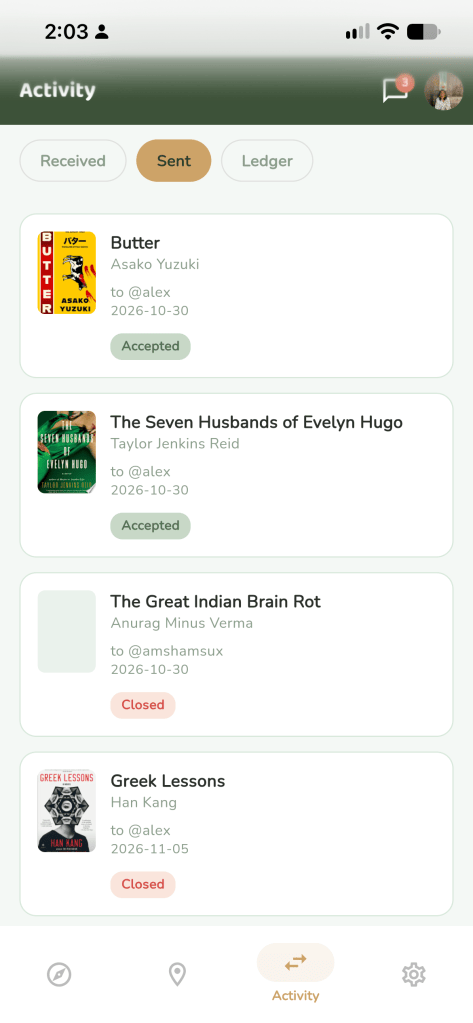
Requests you sent. 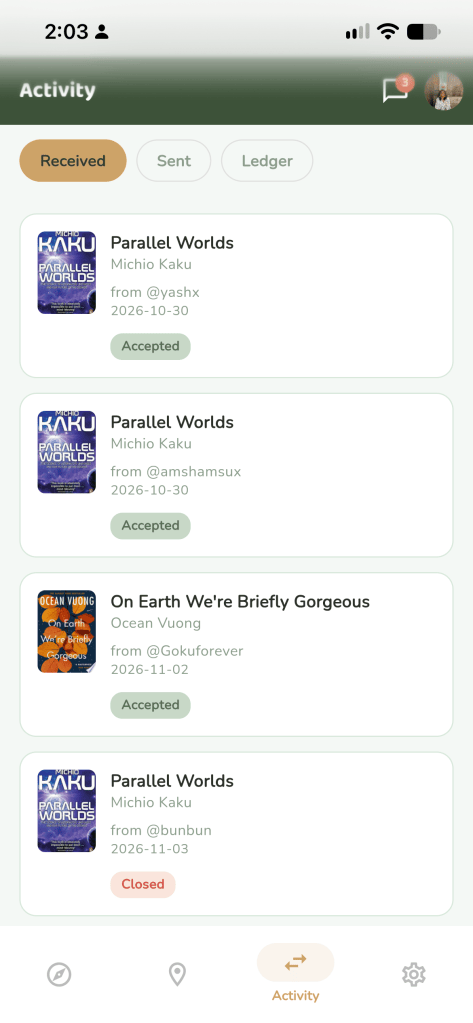
Requests you received for borrowing 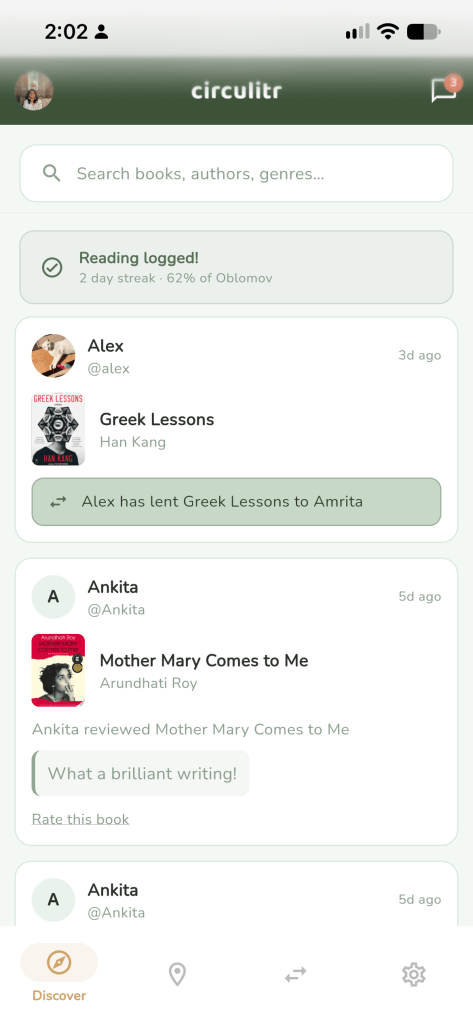
Your Feed with people near your area 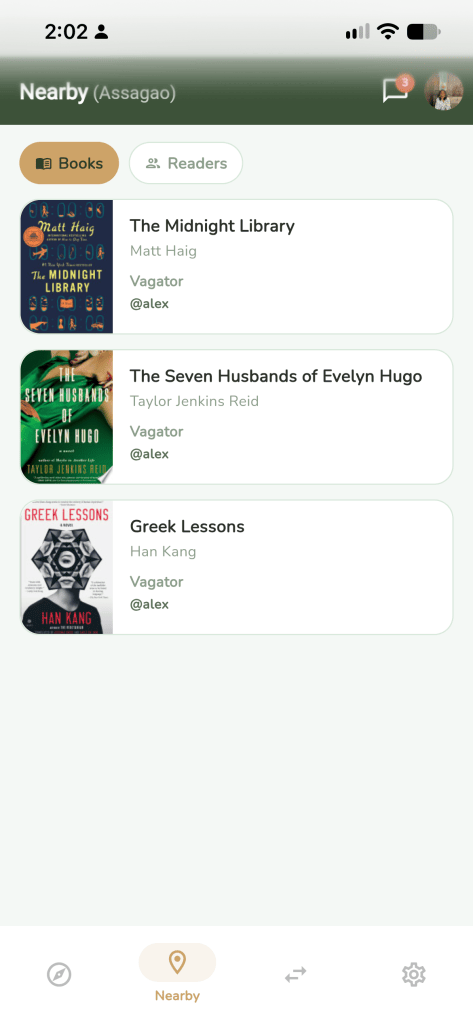
Books near you for lending. 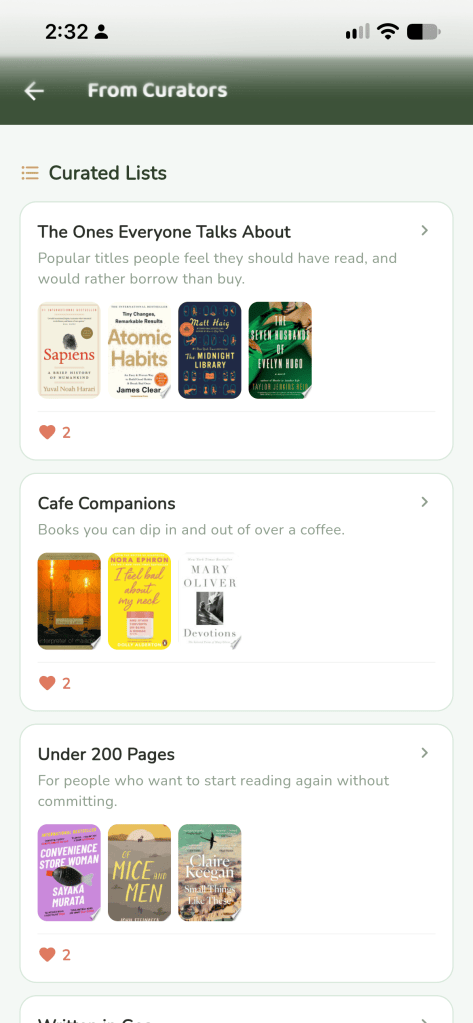
Weekly/Monthly suggestions from curators